

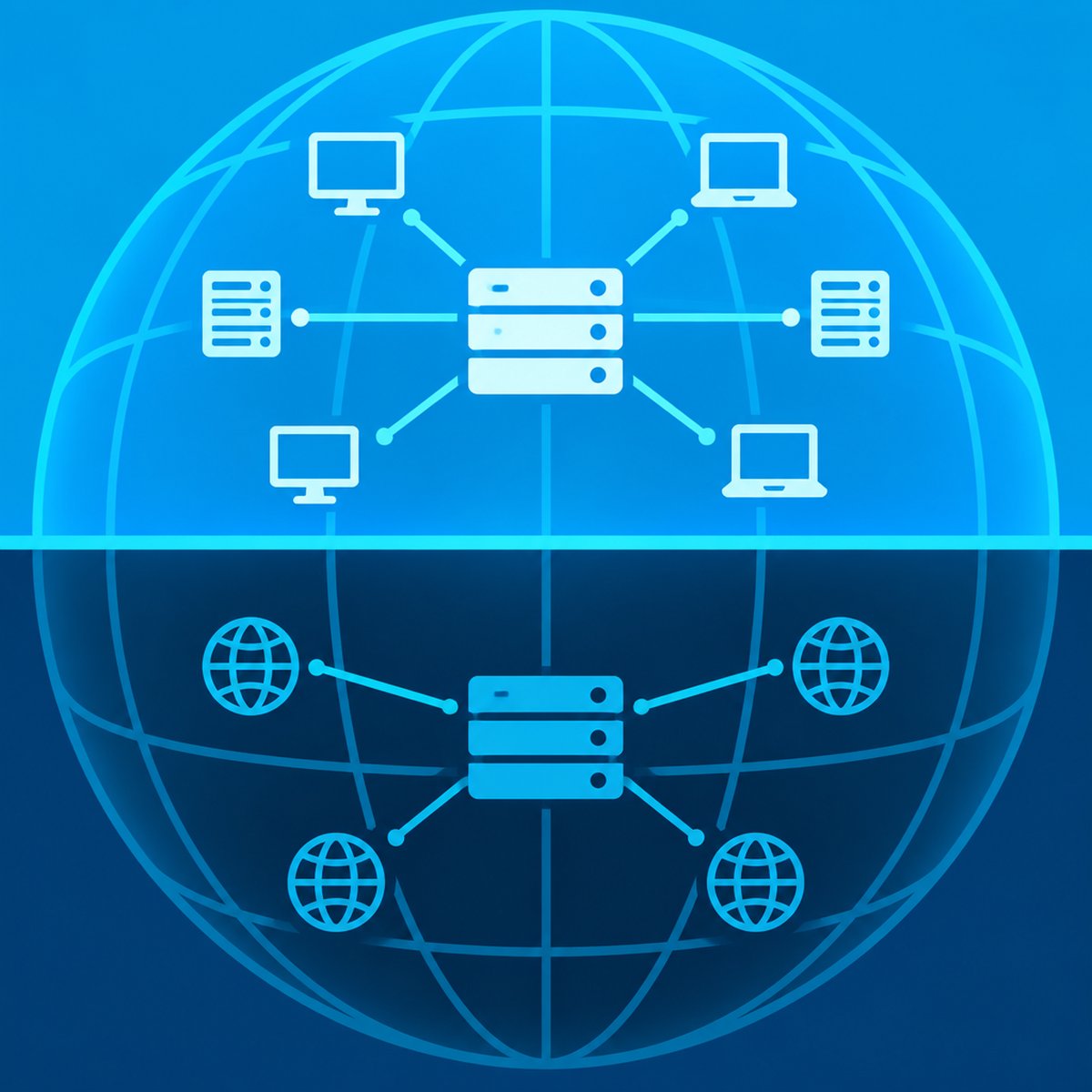
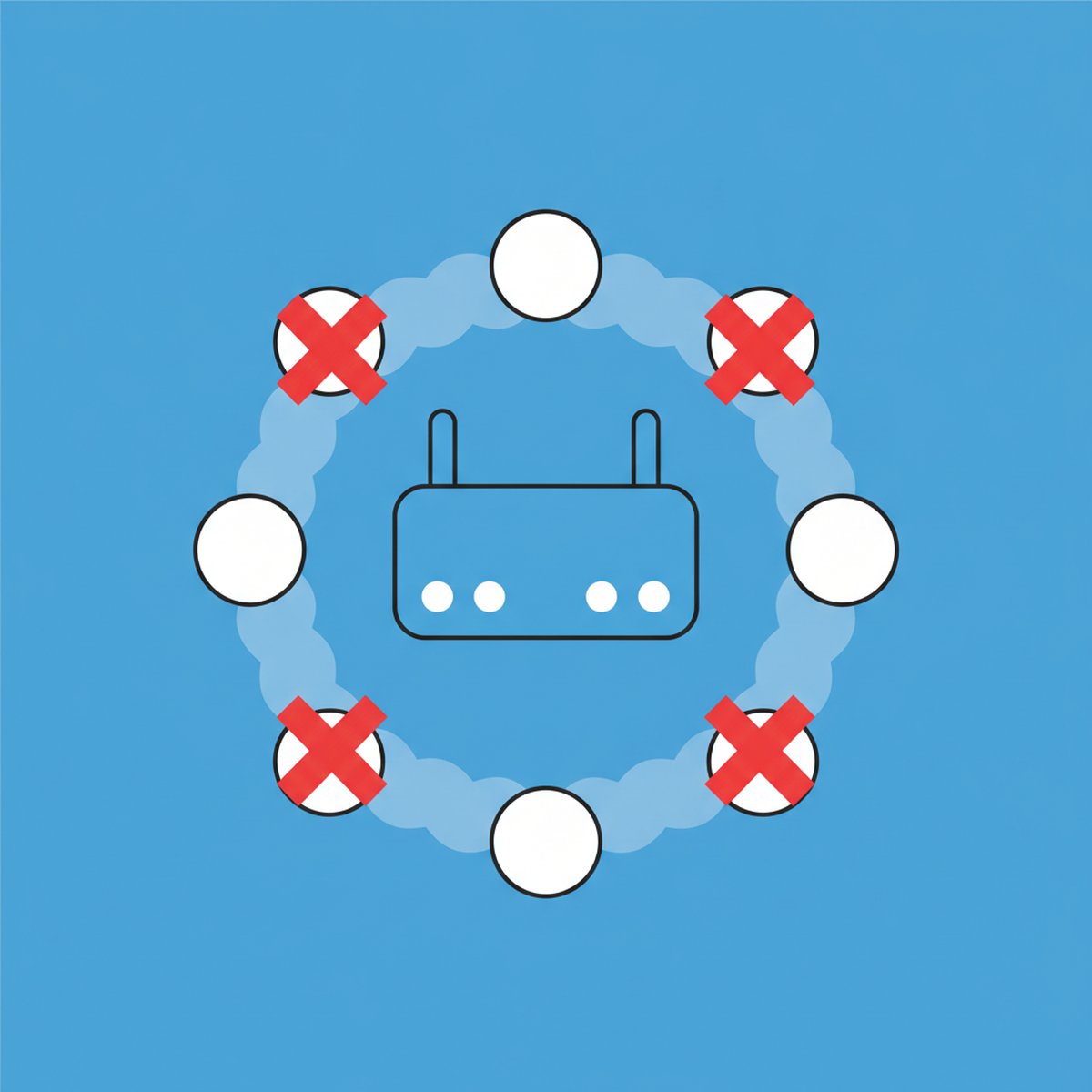

CGNAT (Carrier-Grade NAT) is a technique your internet provider uses to put hundreds of customers behind a single public IPv4 address. Because that address belongs to the ISP and not to you, your router never receives a real public IP, so there is nothing for you to forward a port to. Any port you open on your own router stops at the ISP's carrier-grade NAT box before it ever reaches the internet.
That is the short answer. The longer answer explains how to confirm it in under two minutes, what still works, and which port forwarding alternatives actually get around it.
Content Table
What CGNAT actually is
Your home router already does NAT. It takes the private addresses on your LAN (like 192.168.1.42) and rewrites them so they all share one public IP. CGNAT adds a second layer of the same trick, except it happens inside the ISP's network and you have no control over it.
The result is two stacked translations:
- Layer 1 (your router): 192.168.1.42 becomes 100.71.14.9, an address handed to you by the ISP.
- Layer 2 (ISP's CGNAT gateway): 100.71.14.9 becomes 203.0.113.55, the shared IP the rest of the internet sees.
That middle address (100.71.14.9 in this example) is the giveaway. The range 100.64.0.0/10 was reserved specifically for carrier-grade NAT by RFC 6598. It is not public and it is not the classic private range either. It is a third category called Shared Address Space.
Why ISPs started doing this
IPv4 has about 4.3 billion addresses and the regional registries ran dry years ago. IANA handed out its last free blocks in February 2011, and RIPE NCC reached full depletion in November 2019. A growing ISP simply cannot buy one IPv4 address per customer anymore, and on the open market a single address trades for tens of dollars.
So they share. A typical CGNAT deployment puts dozens to a few hundred subscribers on one public IPv4 address by splitting the roughly 64,000 usable ports between them. You might get a block of 1,000 or 2,000 ports; your neighbour gets the next block.
Mobile networks have worked this way for over a decade. Now fixed-line providers, fibre resellers, Starlink, and most 4G/5G home broadband do it too.
Why port forwarding stops working
Port forwarding is a rule that says "traffic arriving at my public IP on port 25565 should go to 192.168.1.42." It only works if the world can actually reach your public IP. Behind CGNAT, it cannot, because:
- An outsider connects to 203.0.113.55 on port 25565.
- The ISP's CGNAT gateway looks at its translation table for an existing outbound session matching that port.
- There is no matching session, because the connection came in unsolicited.
- The packet is dropped. Your router never sees it, so your forwarding rule never fires.
Your router's config page will still happily let you save the rule and show it as active. That is why people spend hours re-checking firewall settings that were fine all along. If you want the full mechanics of how forwarding is supposed to work, our guide to how port forwarding works walks through the normal path so the CGNAT break point is obvious.
Worth separating from a similar-looking issue: if your port really is open to the internet but you cannot reach your own service using your domain from inside your house, that is usually a NAT loopback (hairpinning) problem, not CGNAT. Loopback fails only from inside; CGNAT fails from everywhere.
How to tell if you are behind CGNAT
Two numbers, one comparison. It takes about a minute.
Step 1: Find your router's WAN IP
Log into your router's admin page and look for "WAN IP", "Internet IP", or "IPv4 Address" on the status screen. Write it down.
Step 2: Find the IP the internet sees
Turn off any VPN first, then check your public IPv4 address (the IPv4 line, not IPv6) with our what is my IP tool.
Step 3: Compare them
| Router WAN IP | What it means | Can you port forward? |
|---|---|---|
| Identical to your public IP | You have a real, routable public address | Yes |
| 100.64.x.x to 100.127.x.x | Textbook CGNAT (RFC 6598 shared space) | No |
| 10.x.x.x, 172.16-31.x.x, or 192.168.x.x | Either your own double NAT (ISP modem or gateway in front of your router) or an ISP using private space for CGNAT. Log into the modem to tell which. | Not until the extra layer is removed |
| A public IP, but different from what the internet sees | Double NAT or CGNAT on a public block | Usually no |
Step 4: Confirm with a port test
Start a service on a known port (for example a web server on 8080), forward it in your router, then test it from outside with an open port checker. Enter your public IPv4 address, not the 100.x address from your router, because the checker only accepts public addresses. If it comes back Timeout rather than Closed while the service is running and your local firewall allows it, something upstream is dropping the traffic. Behind CGNAT that is the usual cause, but an ISP port block gives the same result. The checker tests TCP only, so it cannot confirm UDP game ports.
What CGNAT breaks and what still works
Regular browsing, streaming, video calls, and cloud apps are unaffected. Anything that needs the outside world to start the connection is where it hurts.
| Use case | Behind CGNAT |
|---|---|
| Browsing, Netflix, Zoom, Google Drive | Fine, all outbound |
| Self-hosted web server on port 80/443 | Unreachable |
| Minecraft or game server for friends | Unreachable |
| Console gaming (NAT type) | Usually Strict / Type 3, party chat and host duties suffer |
| Remote desktop / SSH into home | Unreachable without a relay |
| IP cameras and NVR remote view | Only via the vendor's cloud relay |
| BitTorrent | Downloads work, but you stay unconnectable, so speeds drop |
| Dynamic DNS | Points at the shared IP, so it resolves but never reaches you |
| Running a mail server | Blocked twice over, since port 25 is usually filtered anyway |
One more side effect of a shared IP: you inherit your neighbours' reputation. If someone on your CGNAT pool spams or scrapes, the whole address can end up rate-limited by Cloudflare, hit with extra CAPTCHAs, or blocked from a game server. You did nothing wrong and you cannot fix it from your end.
Port forwarding alternatives that work behind CGNAT
All of the workable options share one idea: instead of waiting for an inbound connection, your device makes an outbound connection to something reachable, then traffic rides back down that tunnel. CGNAT allows outbound, so this always works.
1. Use IPv6 if your ISP offers it
CGNAT is an IPv4-only problem. Most CGNAT providers hand out a real, globally routable IPv6 prefix at the same time (often a /56 or /64). If yours does, enable IPv6 on your router, allow the specific port in the IPv6 firewall, and publish an AAAA record. The catch: your visitors also need IPv6, which rules out plenty of corporate and mobile networks. Treat it as a bonus path, not the only one.
2. A VPS acting as your public front door
Rent the cheapest cloud instance you can find (a few dollars a month buys a public IPv4), then have your home server open a persistent tunnel out to it. The VPS terminates public traffic and passes it down the tunnel. This is the classic reverse proxy setup, and it gives you a stable public IP, your own TLS certificates, and full control over ports.
# From your home server: expose local :8080 on the VPS loopback, port 8080.
# A port above 1024 can be bound by a non-root user, and autossh
# reconnects the tunnel whenever it drops.
autossh -M 0 -N \
  -o "ServerAliveInterval 30" -o "ServerAliveCountMax 3" \
  -o "ExitOnForwardFailure yes" \
  -R 127.0.0.1:8080:localhost:8080 user@your-vps-ip

# On the VPS: let nginx or Caddy listen on 80/443 and proxy to 127.0.0.1:8080.
# Run autossh from a systemd service so the tunnel survives a reboot.
This tunnels TCP only. For UDP game servers, use a WireGuard tunnel to the VPS and forward the port there.
3. A mesh VPN between your own devices
Tools built on WireGuard (Tailscale, ZeroTier, Netbird, or a self-hosted headscale) create a private overlay network. Both ends dial out and meet through a coordination server. Behind CGNAT they often cannot connect directly and fall back to the provider's relay servers, which still works but adds latency. Best choice when only you and a few people need access, because nothing is exposed to the public internet at all.
4. An application-layer tunnel
Services like Cloudflare Tunnel or ngrok run a small daemon that maintains an outbound connection and publishes your service on a hostname they control. Fastest to set up (often under ten minutes), no VPS to maintain, but you are handing your traffic path to a third party and free tiers come with limits. Cloudflare Tunnel publishes HTTP/HTTPS out of the box; raw TCP or UDP (game servers) needs a client on the visitor's side or a paid TCP tunnel such as ngrok TCP.
5. UPnP and PCP: ask, but do not count on it
Some carriers support PCP (Port Control Protocol, RFC 6887) which lets a client request a port mapping on the CGNAT gateway itself. In practice, the vast majority of residential ISPs leave it disabled. Worth one support ticket to ask, not worth hours of tinkering. UPnP does not help here: it only lets apps open ports on your own router, which is itself behind the CGNAT gateway.
6. A VPN that offers port forwarding
A few VPN providers give you an inbound port on their exit server and relay it through the tunnel, so it works behind CGNAT. Check the provider's current docs first: several well-known providers have dropped the feature, and the port is often reassigned each session.
| Option | Setup effort | Cost | Best for |
|---|---|---|---|
| Native IPv6 | Low | Free | Visitors who already have IPv6 |
| VPS reverse proxy | Medium to high | $3 to $6/month | Public websites and full control |
| Mesh VPN | Low | Free tier usually enough | Private remote access, SSH, RDP, NAS |
| Hosted tunnel | Very low | Free to moderate | Demos, webhooks, quick sharing |
| VPN with port forwarding | Low | Paid subscription | Single ports for games or torrents |
| Static IP from ISP | A phone call | $0 to $15/month | Game servers, real port forwarding |
How to ask your ISP for a public IP
This is the cleanest fix when it is available. Support staff often do not recognise the acronym, so be specific:
- Say: "My router's WAN IP is in the 100.64.0.0/10 range, which means I'm behind carrier-grade NAT. Can I be moved to a routable public IPv4 address?"
- Ask whether they offer a free opt-out (several European and Australian providers do, sometimes as a checkbox in the account portal).
- If not, ask the price of a static IP add-on. Typical residential pricing is $5 to $15 per month.
- Business plans almost always include at least one public IP, which is sometimes cheaper than a consumer plan plus the add-on.
- If they refuse outright, ask if they run dual-stack IPv6 and whether the IPv6 firewall is under your control.
Once you have a public address, forward your port and verify it from the outside before you announce anything. A rule that looks perfect in the router UI proves nothing until an external test says the port is genuinely reachable.
Confirm whether CGNAT is really blocking your port
Our free open port checker tests any TCP port from outside your network, so you can see instantly whether a forwarded port is Open, Closed, or timing out at the carrier-grade NAT gateway. Batch-check up to 10 ports at once.
Check your port now →
Frequently asked questions
Only a VPN that offers port forwarding on a dedicated or shared exit IP. Standard privacy VPNs give you an outbound tunnel with no inbound ports, so nothing changes. Check whether your provider explicitly advertises port forwarding before assuming it will work.
Technically yes, CGNAT is a form of double NAT, but the difference is who controls it. With double NAT inside your home (a router behind a router) you can fix it by bridging one device. With CGNAT the second layer sits in the ISP's network and you have zero access to it.
Your dynamic DNS client reports the shared IP that your ISP's NAT gateway uses, which is correct but useless. Anyone resolving that hostname reaches the carrier gateway, which has no rule pointing at your router. DNS is working fine; the routing simply stops upstream.
Usually it adds a millisecond or two, which nobody notices. Problems appear when the gateway runs out of port mappings during peak hours. Symptoms are dropped connections, slow page loads on sites with many parallel requests, and games losing their session mid-match.
Yes, but not by forwarding a port. Install a mesh VPN on your machine and your friends' machines so everyone joins the same private network, then have them connect to your internal address. Alternatively, tunnel the game port through a cheap VPS with a real public IP.
Compare your router's WAN IP with your actual public IP first. If the WAN IP is in the 100.64.0.0/10 range, it is CGNAT and no firewall change will help. If it is a 10.x, 172.16-31.x, or 192.168.x address, first check whether your own router sits behind an ISP modem or gateway, because that double NAT looks the same and you can fix it yourself. If they match and an external test still reports a timeout, work through your router rule, the host firewall, and whether the service is bound to 0.0.0.0 rather than localhost.